

Setup 4 · Ad platform integrations
Send your funnel events to Meta, Google Ads, TikTok and X so your campaigns can measure and optimize on real conversions.
Paid acquisition is the reason most apps build Web2App Funnels, and ad platforms need to know what happens after the click. This optional setup section connects your funnels to Meta, Google Ads, TikTok and X: every step a visitor takes in a funnel is reported to the platform, and every purchase becomes a conversion your campaigns can optimize on, in seconds rather than days.
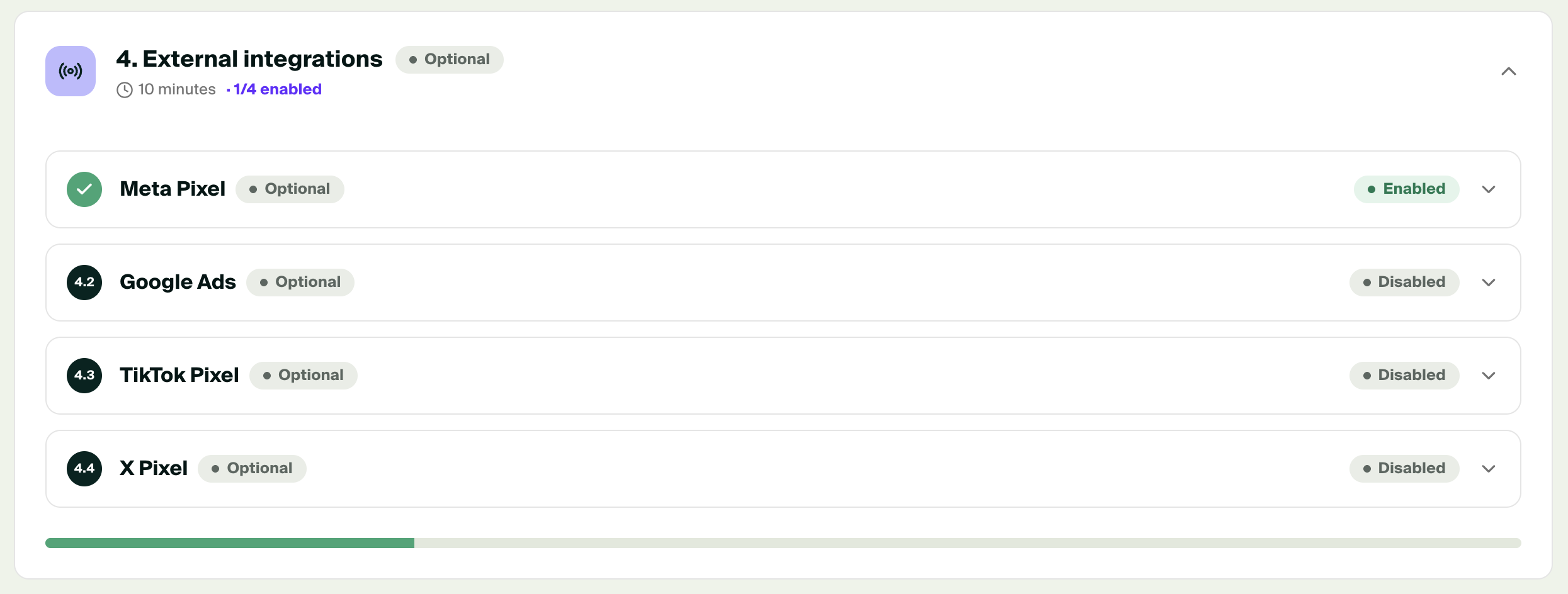
Open Web2App → Setup, section 4. External integrations. Each platform is also available under External Integrations, where the same screen opens.
What is sent
Purchasely fires four events on the web. In the Console, each one can be enabled or disabled per platform under the Front events tab of the integration.
| Purchasely event | When it fires | Meta | TikTok | X | Google Ads |
|---|---|---|---|---|---|
| Page View | Once, when the visitor opens the funnel | PageView | Pageview | PageView | Conversion, if a label is set |
| Screen Viewed | Every time a Screen of the flow is displayed | ViewContent | ViewContent | ViewContent | Conversion, if a label is set |
| Purchase Tapped | When the visitor taps a purchase button and the Stripe checkout opens | InitiateCheckout | InitiateCheckout | InitiateCheckout | Conversion, if a label is set |
| Purchase | When the Stripe checkout is completed | Purchase | CompletePayment | Purchase | Conversion, if a label is set |
Purchase events carry the amount and currency of the subscription, so the platforms can compute your return on ad spend. Every event carries the flow's identifier as content name, so you can break down results funnel by funnel in the platform's reports.
Web funnel events onlyThese integrations report what happens on the web. Events from inside your app, such as store purchases, are forwarded by the mobile integrations configured under App settings → Integrations, as before.
Browser events and server events
Ad platforms receive events in two ways:
- From the browser, through the platform's pixel loaded on your funnel pages. This is what all four integrations do as soon as you enter the pixel or conversion ID. Browser events can be blocked by ad blockers, privacy settings or in-app browsers.
- From Purchasely's servers, through the platform's conversion API. Purchasely sends the purchase again from its servers when the checkout is confirmed, so the conversion reaches the platform even when the browser event was blocked. Both copies share the same event identifier, and the platform keeps a single conversion.
| Platform | Browser events | Server events | What you need |
|---|---|---|---|
| Meta | Yes | Yes, Conversions API | Pixel ID, and an access token for the Conversions API |
| TikTok | Yes | Yes, Events API | Pixel ID, and an access token for the Events API |
| X | Yes | No | Pixel ID, and one Event ID per event |
| Google Ads | Yes | No | Conversion ID, and one conversion label per event |
We recommend configuring the server events for Meta and TikTok: they are the platforms where a missed purchase costs you the most in campaign optimization.
Attribution parameters
Purchasely keeps the click identifiers of each platform (fbclid, ttclid, gclid, twclid) and the UTM parameters from the first page of the funnel to the purchase, even when the visitor navigates several screens. They are attached to the server events, and returned to you in the purchase webhooks with the web2app channel.
Point your ads to the live URL of the funnel with your UTM parameters, for example:
https://start.yourapp.com/abc123XYZ?utm_source=meta&utm_medium=cpc&utm_campaign={{campaign.name}}&utm_content={{ad.name}}Set up each platform
Each guide covers where to find the identifiers in the ad platform, what to enter in the Console, and how to check that events arrive. Changes to an integration apply to your live funnels within minutes, without republishing.
Updated about 1 month ago